
How Esrala works
Add your students, upload the curriculum you already own as a PDF, Word, or PowerPoint, and every student gets their own tutor and lessons written for them.
1
Add your students
A first name is enough. Choose their language, add what they’re into, and confirm you’re their parent or guardian before any profile is created.
2
Upload the curriculum
Drop in the book you already teach from, as a PDF, Word document, or PowerPoint. Choose which of your students it’s for.
3
A whole curriculum, in one upload
A 500-page textbook is a normal upload, not a special case. Esrala reads the entire book, keeps the structure its author gave it, and cites real page numbers so you can check any lesson against the source.
4
Each lesson is written for that student
The first lesson is prepared immediately. From there, each lesson adapts based on the student’s own progress, understanding, and preferences.
Esrala Prism™. Every lesson is produced by our proprietary Adaptive Learning Engine: it reads the curriculum you chose and writes each lesson for the student about to take it, adapting to their results, their feedback, and their interests.
What your student actually sees
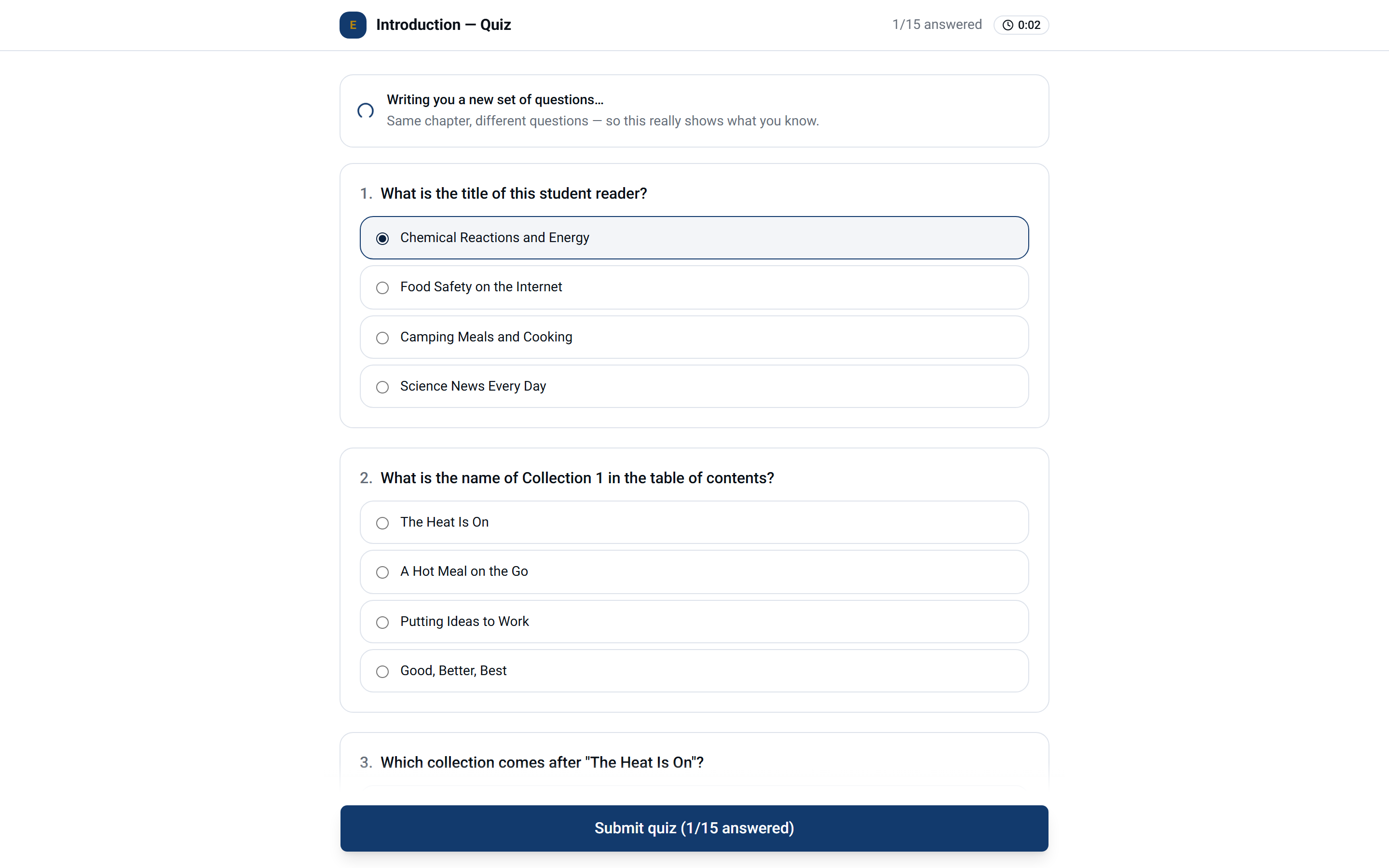
A lesson opens as slides they walk through, with a working panel beside it. No endless scroll, no chat window pretending to be a classroom.
What you see as the parent
Curriculum mastery
Quiz results across every chapter of the book, so you know how much they have genuinely mastered.
Quiz drilldown
Every attempt, every question, what they picked and what was right.
Results over time
Every attempt kept, so you can see the pattern across the year rather than one bad Tuesday.
Break away from rigid, one-size lesson plans.
You don’t have to be the expert, and your child doesn’t have to fit a mold. Esrala turns the curriculum you chose into complete lessons and teaches them patiently, explaining each concept as many ways as it takes to find how your child learns best. Kindergarten through high school, in English or Spanish.